Interact with your system
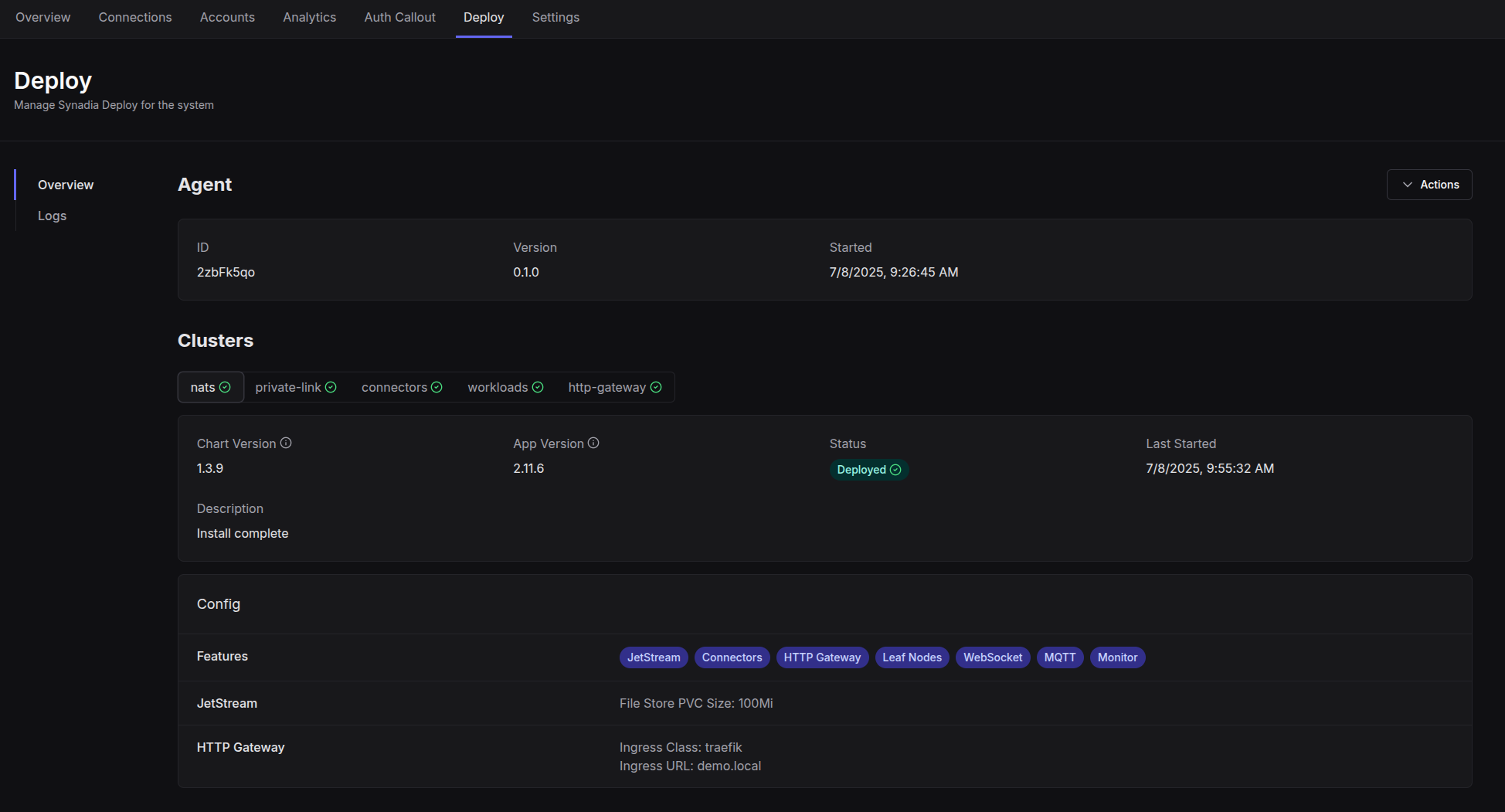
Your Synadia Deploy system will be automatically created and you will be redirected to the Deploy tab. This is where you can see the current status of the system, update settings, and view logs.
Overview
The Deploy overview will show you basic information about the Synadia Deploy system and each of the deployed components. When updates are available to the components, you will receive notification and have the option to update here.
Logs
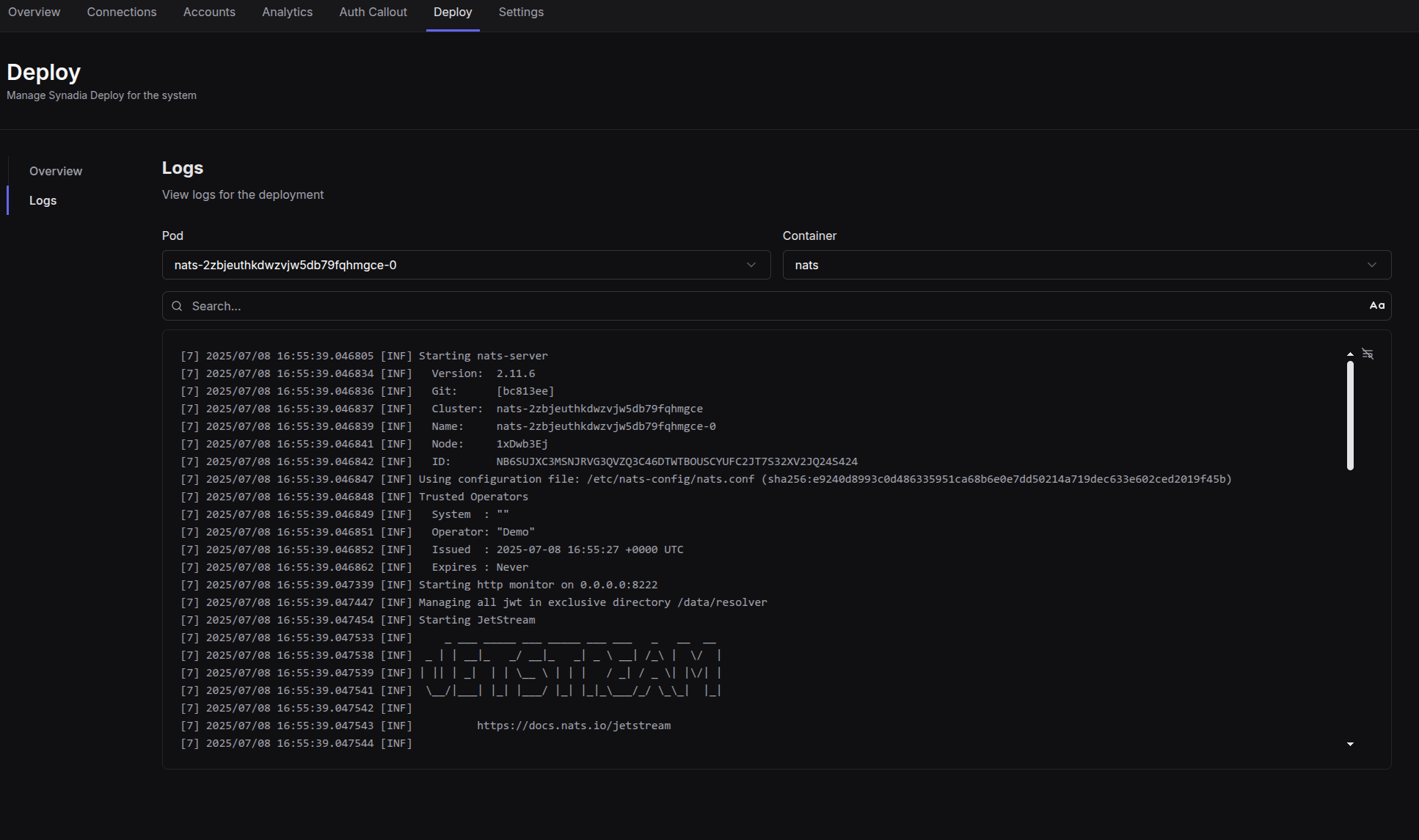
Logs for each of the running Synadia Deploy components can be viewed in the Logs tab
Actions
You can update your deploy options, or completely uninstall the system using the actions dropdown.

warning
Uninstalling the deployment is destructive and will remove all NATS assets from your cluster, including PVCs.