Protect
Connection management
The gateway provides commands to act on individual connections — disconnect them or suspend them. For capturing connection traffic, see Traces.
Listing connections
Use protect admin stats to see all active connections:
$ protect admin --context admin stats
Each connection has a CID (gateway client ID) and a RID (remote client ID on the backend). These identifiers are used by the disconnect and suspend commands below.
The stats output also shows per-connection traffic counters (messages and bytes in/out), the port name, connection kind, uptime, and whether the connection is suspended. See Inspecting the gateway for example output.
Disconnecting a connection
Forcibly close a connection by its CID:
$ protect admin --context admin disconnect --cid 3
╭───────────────────────────────────────────╮
│ Disconnected Clients at 2026-04-09 21:52: │
│                     35                    │
├─────┬─────┬─────────┬────────┬────────────┤
│ CID │ RID │ Port    │   Kind │     Uptime │
├─────┼─────┼─────────┼────────┼────────────┤
│   3 │  21 │ clients │ client │ 15.669112s │
╰─────┴─────┴─────────┴────────┴────────────╯
Or by its RID (the client ID on the backend):
$ protect admin --context admin disconnect --rid 21394440
CID is preferred since RID may not be unique across backends. Disconnected clients will typically attempt to reconnect immediately.
Suspending a connection
Suspending is an alternative to disconnecting. The gateway drops all traffic but responds to PING, so the client believes it is still connected. The backend connection is dropped. This prevents the immediate reconnect cycle that follows a disconnect.
After the specified duration, the connection is disconnected:
$ protect admin --context admin suspend --cid 3 30s
╭─────────────────────────────────────────╮
│ Suspended Clients at 2026-04-09 21:52:3 │
│                    6                    │
├─────┬─────┬─────────┬────────┬──────────┤
│ CID │ RID │ Port    │   Kind │   Uptime │
├─────┼─────┼─────────┼────────┼──────────┤
│   3 │  11 │ clients │ client │ 1.02356s │
╰─────┴─────┴─────────┴────────┴──────────╯
The Suspended column in protect admin stats shows whether a connection is suspended.
Connections in the UI
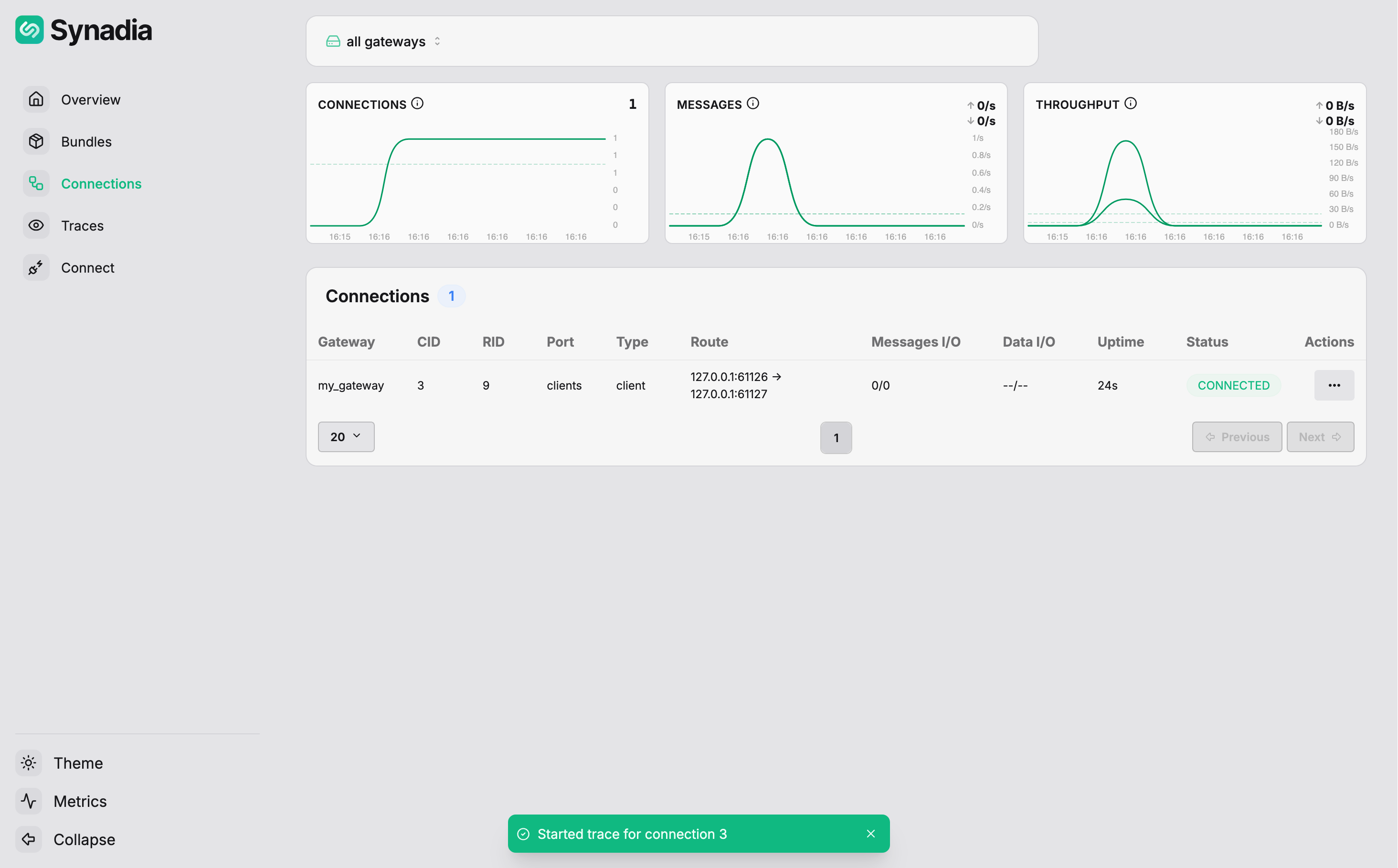
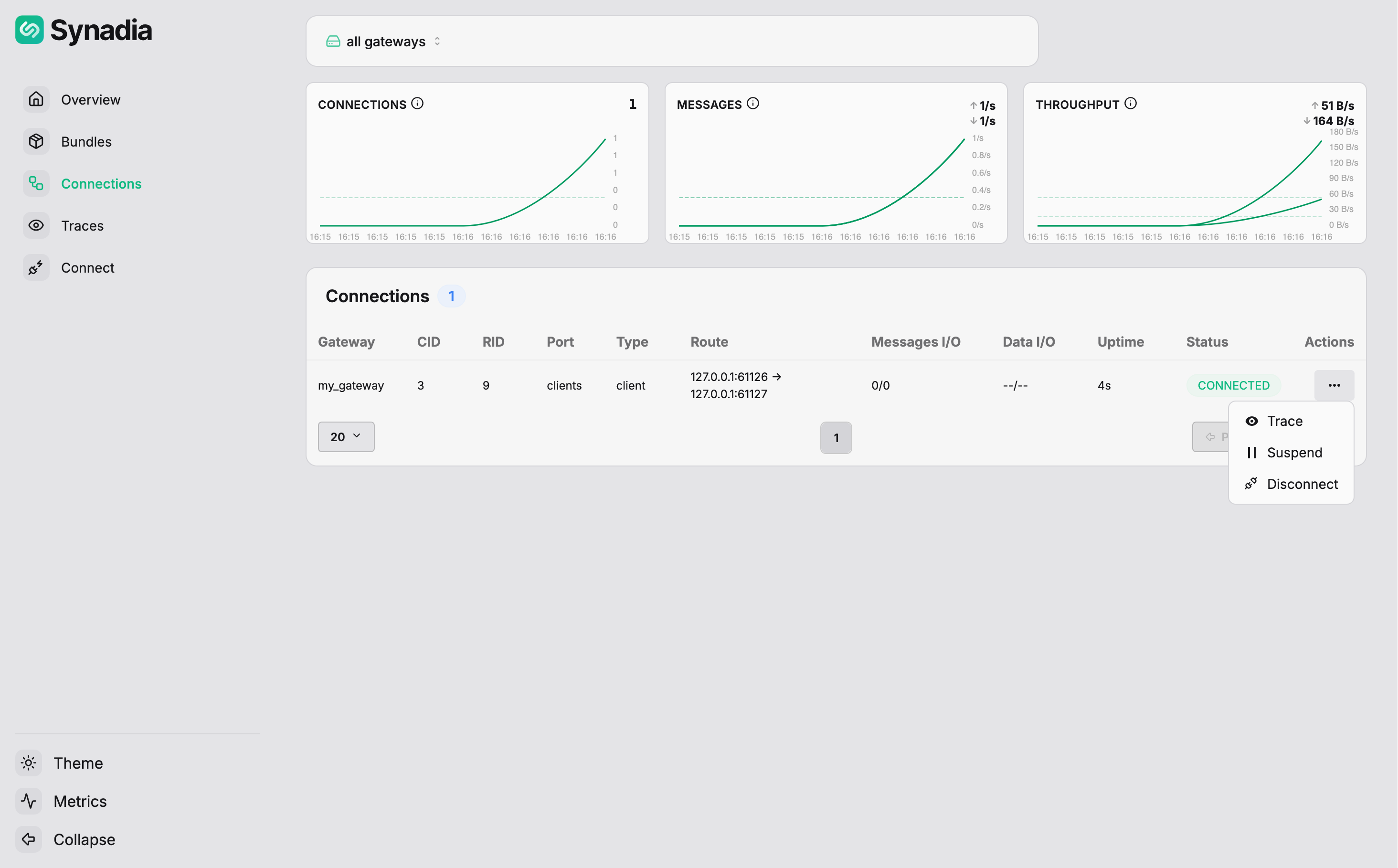
The same actions are available in the UI. Navigate to Connections in the sidebar to see active connections. Click the ... menu on any connection for per-connection actions:
| Action | Description |
|---|---|
Trace | start a trace capture on this connection |
Suspend | suspend the connection for a duration |
Disconnect | forcibly close the connection |