Protect
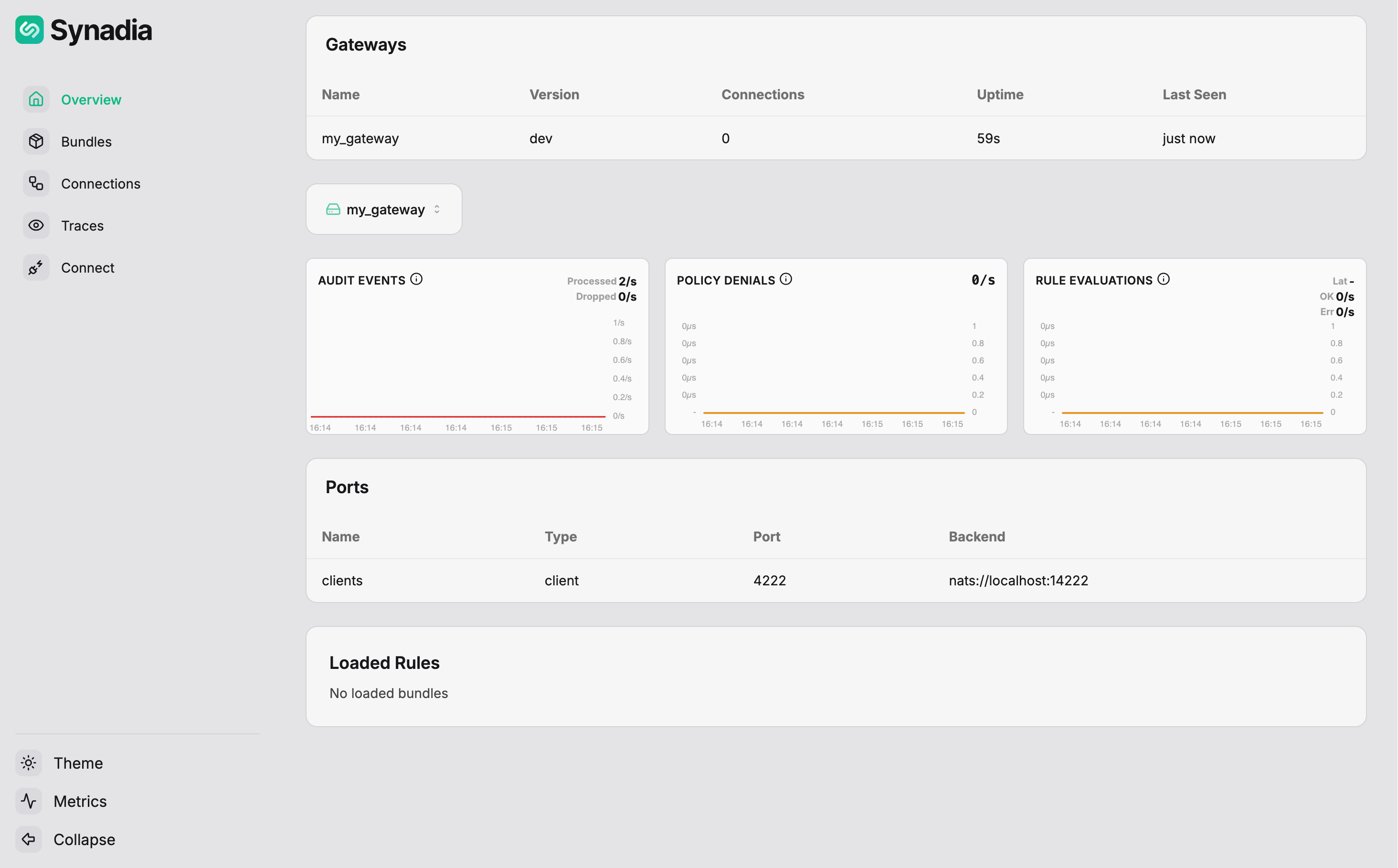
Setting up with the UI
This guide uses the protect web interface to connect to a running gateway and manage it from the browser.
Prerequisites
- A running gateway from the CLI setup
Generating the configuration
The protect ui setup command generates a start configuration file along with the necessary encyption key. It takes a target directory as an argument.
Note: this configuration file format is different than the file generated by protect setup.
$ protect ui setup ./ui
The command prompts for HTTP host/port, a NATS server for storing JetStream resources, and protect gateways. For this guide, accept all the defaults except:
| Prompt | Value |
|---|---|
Add first 'gateways' entry | y |
nkey | Full filepath to admin.nk for the protect gateway from CLI setup |
signer_key | Full filepath to bundle-signer.nk for the protect gateway from CLI setup |
After the setup completes, the target directory will contain:
ui
├── config.yaml
└── embedded.nk
Start the UI
$ protect ui start -c ui/config.yaml
[INF] 13:25:45 - starting HTTP server on http://0.0.0.0:4000
[INF] 13:25:45 - component running id=protect-ui