

Protect
Building bundles with the UI
This is the UI alternative to the CLI bundle workflow. The UI provides a visual bundle builder that lets you select built-in rules, configure them, and install the bundle on the gateway — all from the browser.
This guide assumes you have a running gateway connected to the UI (see UI setup).
Building a bundle
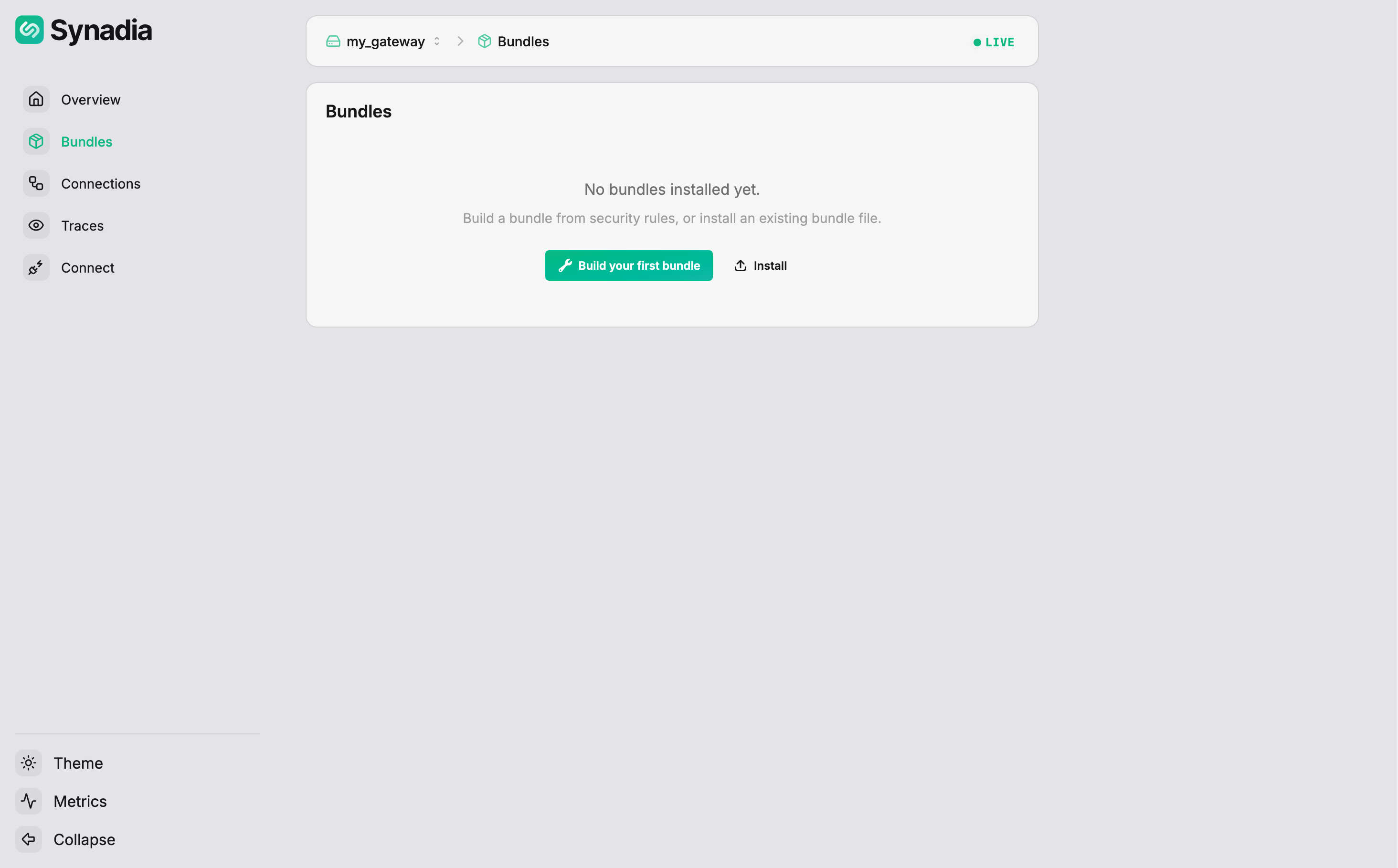
Navigate to Bundles in the sidebar. If no bundles are installed, the page shows options to build or install one:
Click Build (or Build your first bundle) to open the Bundle Builder:
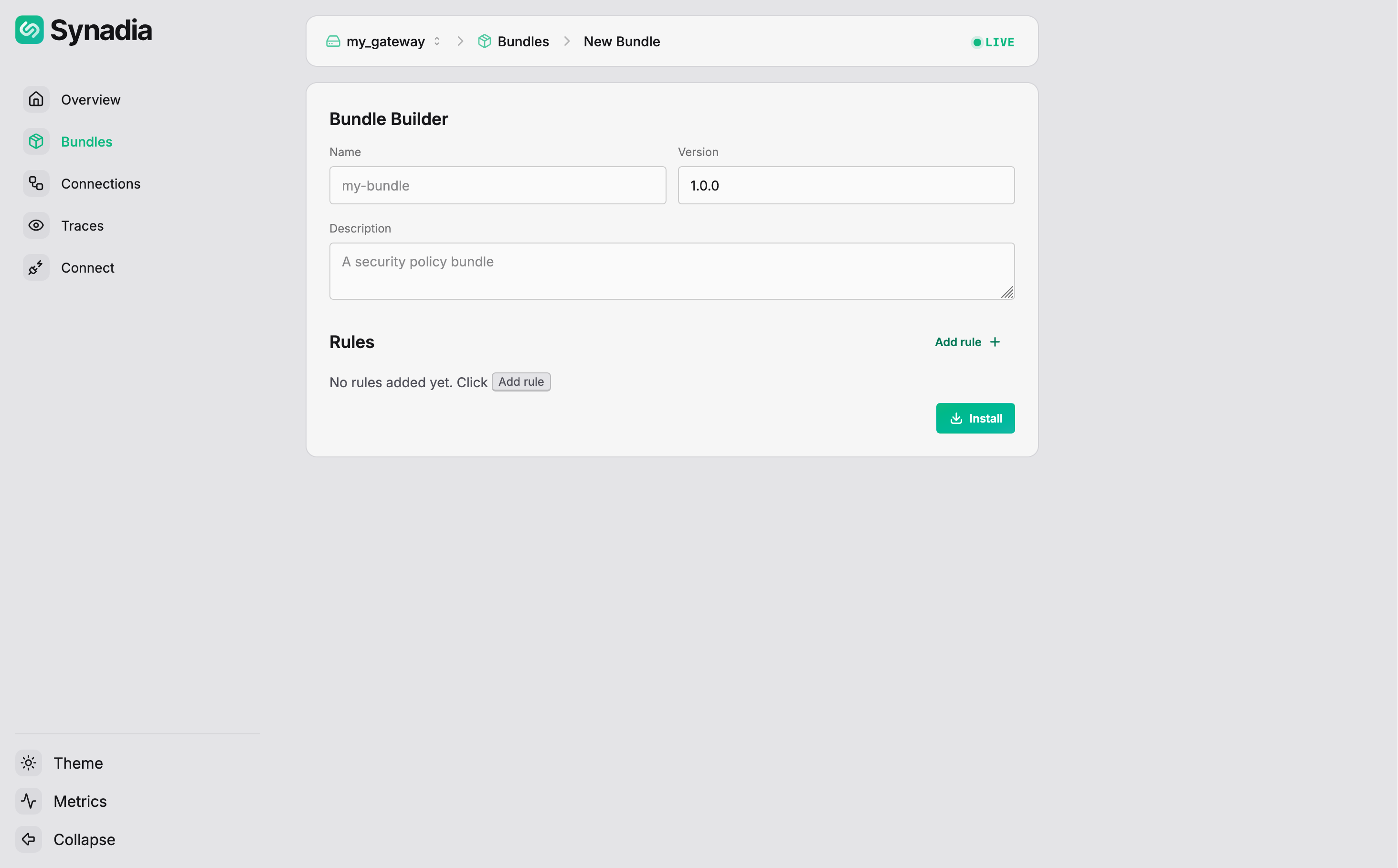
Fill in the bundle metadata:
| Field | Value |
|---|---|
Name | first-bundle |
Version | 1.0.0 |
Description | this is my first bundle |
Adding rules
Click Add rule to open the rule picker. It lists all built-in rules organized by category, with tabs to filter by type (All, Connections, Messages) and a search box:
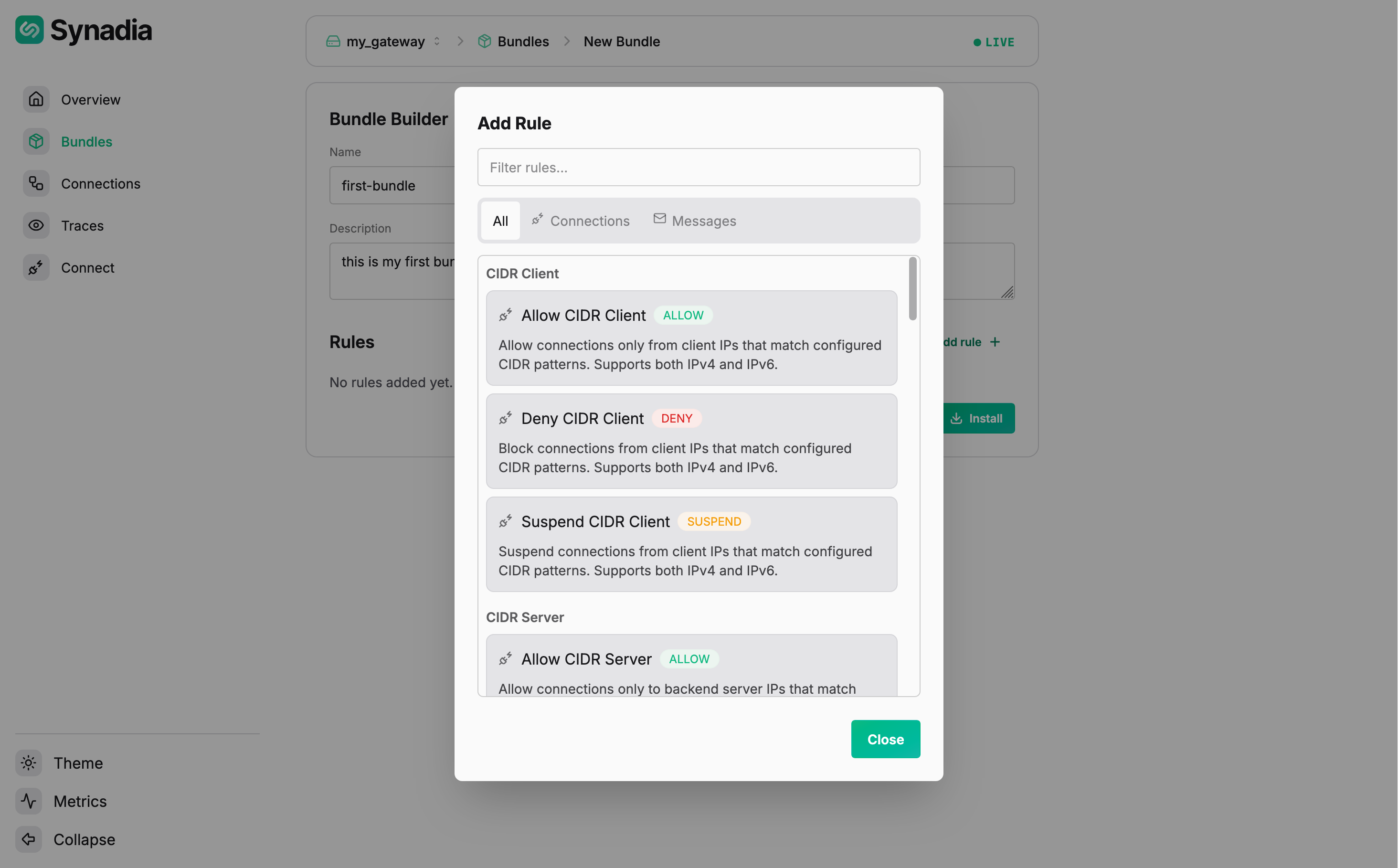
Search for "deny pa" and select Deny Payload. The rule appears in the bundle with configuration fields — a subject pattern and a regex pattern:
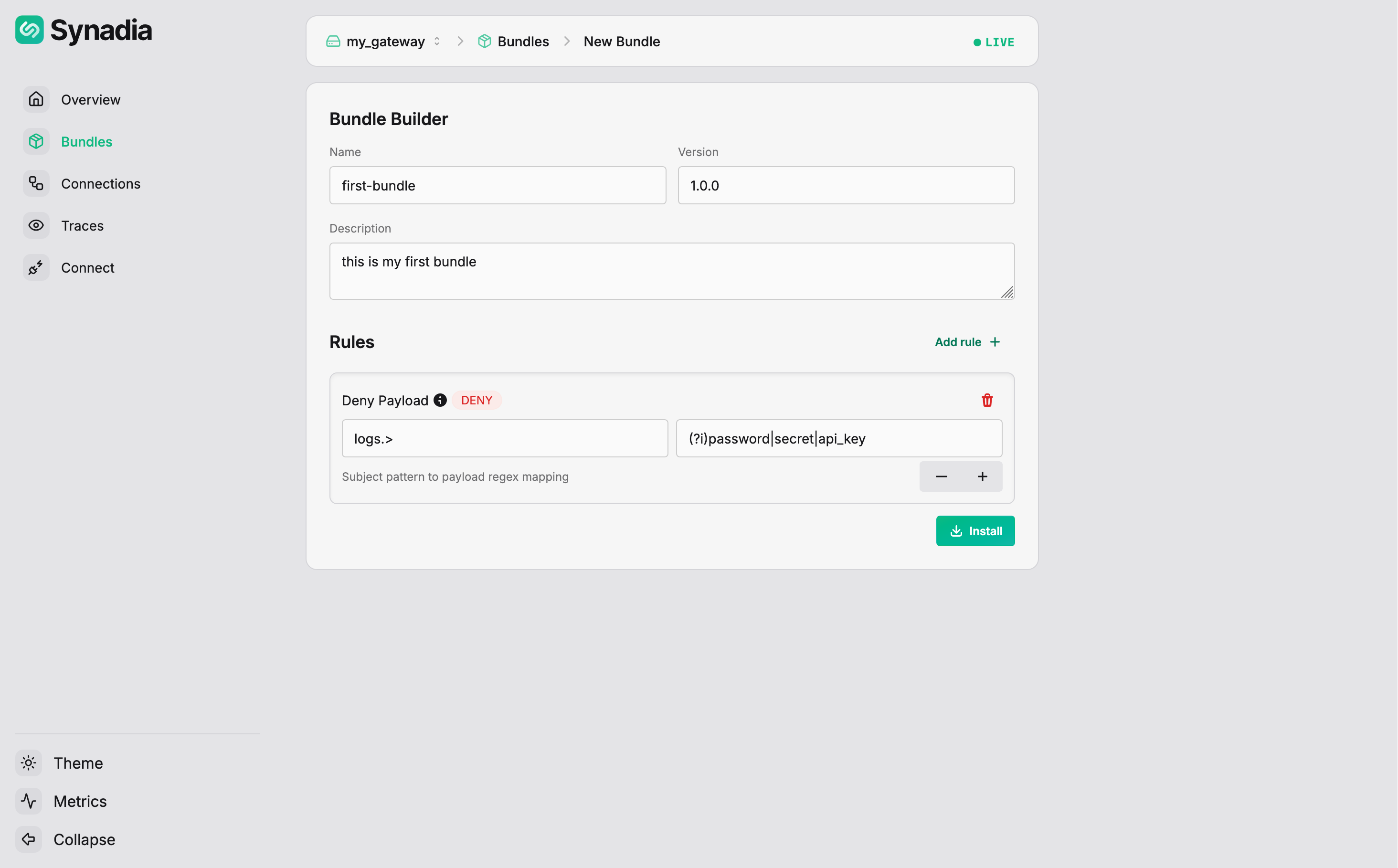
Fill in the rule configuration:
| Field | Value |
|---|---|
Subject | logs.> |
Pattern (regex) | (?i)password|secret|api_key |
Use the + button to add additional subject/pattern mappings. Multiple rules can be added to the same bundle using Add rule again.
Installing the bundle
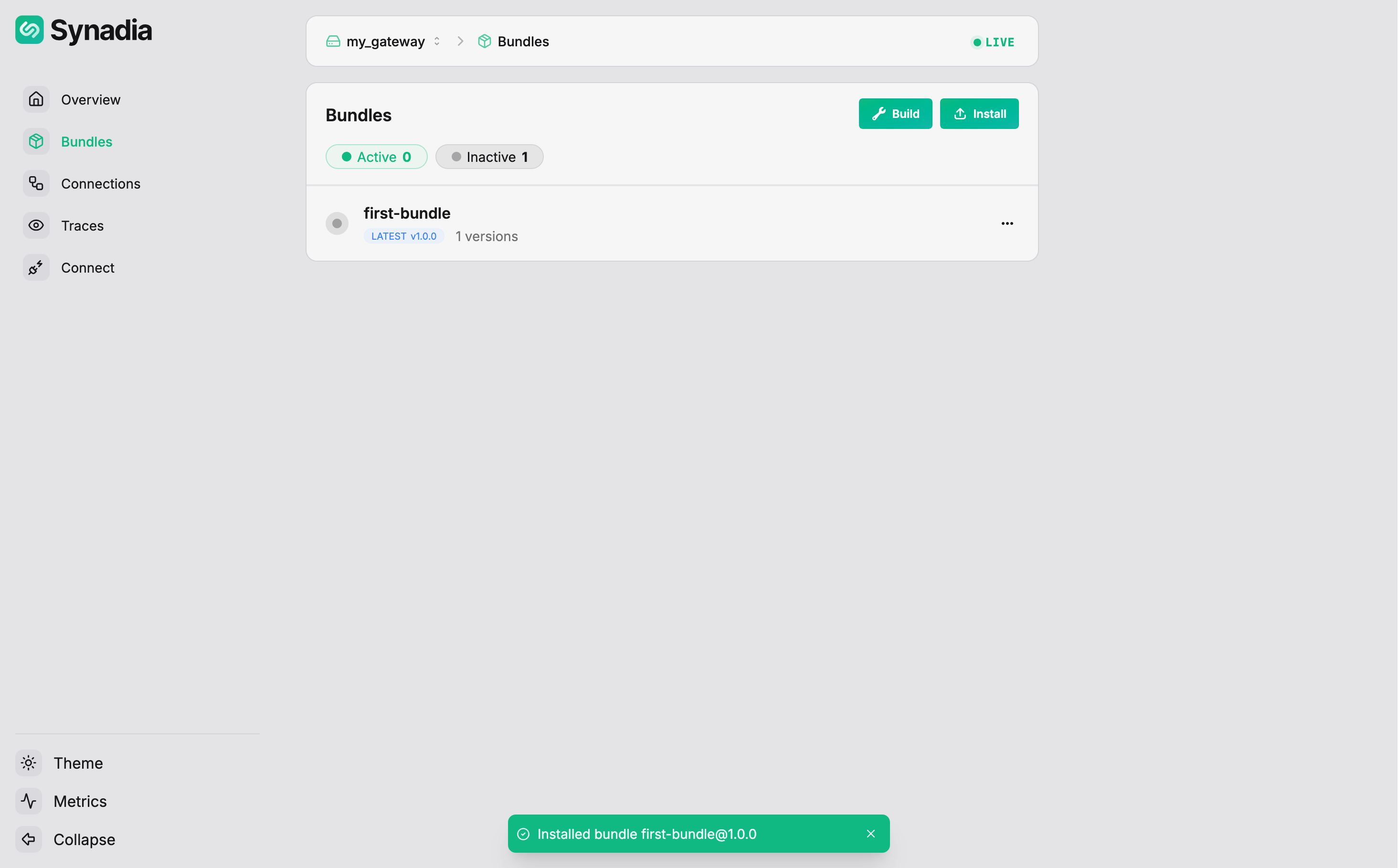
Click Install. The UI creates the bundle, signs it, and installs it on the gateway. The Bundles page now shows the bundle as inactive:
Activating the bundle
Click the ... menu on the bundle to see available actions:
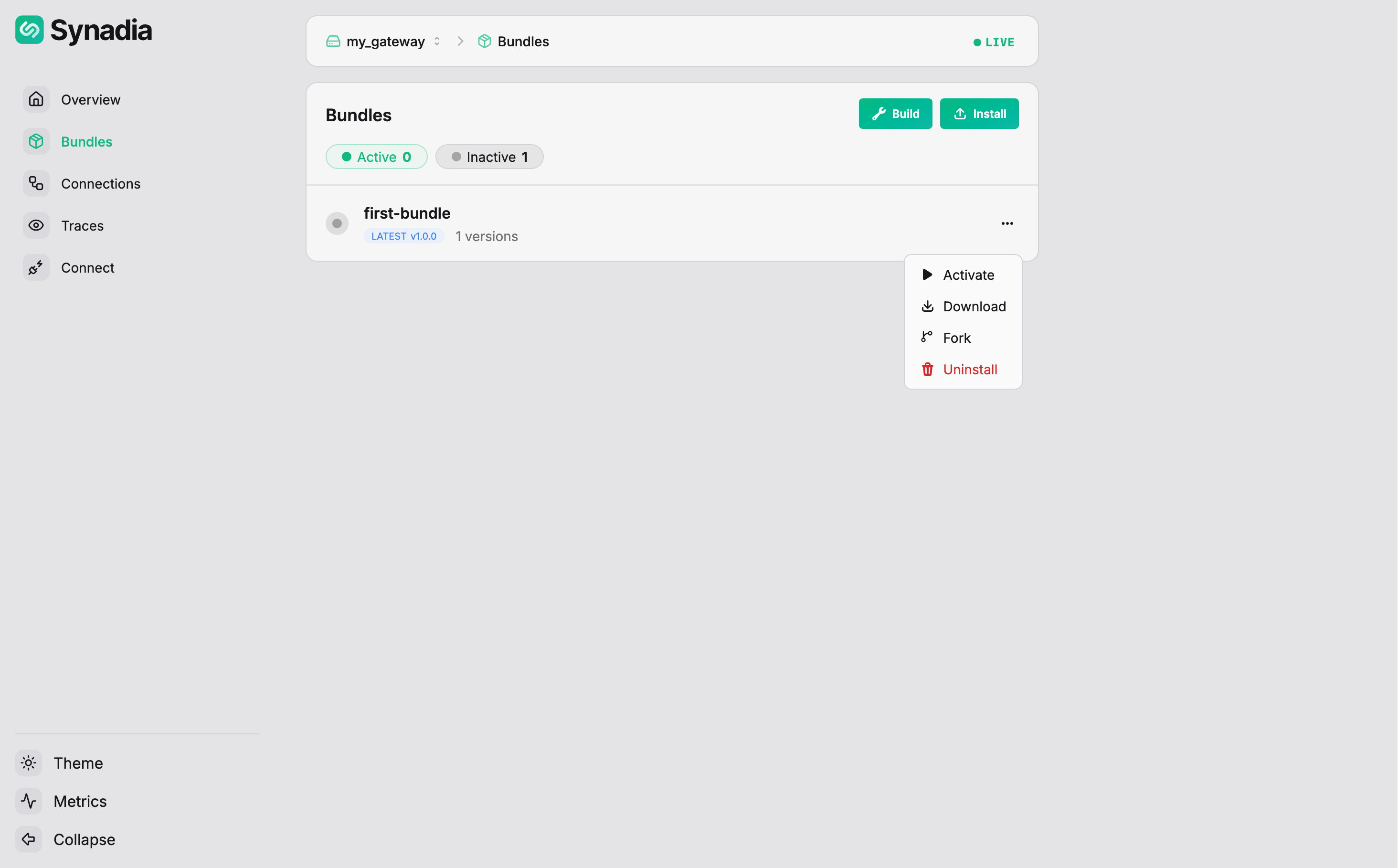
| Action | Description |
|---|---|
Download | download the bundle file |
Edit | create a new version based on this bundle |
Evaluate | test the bundle against scenarios |
Activate | deploy the bundle on a port |
Uninstall | remove the bundle from the gateway |
Click Activate. Select the port to activate on:
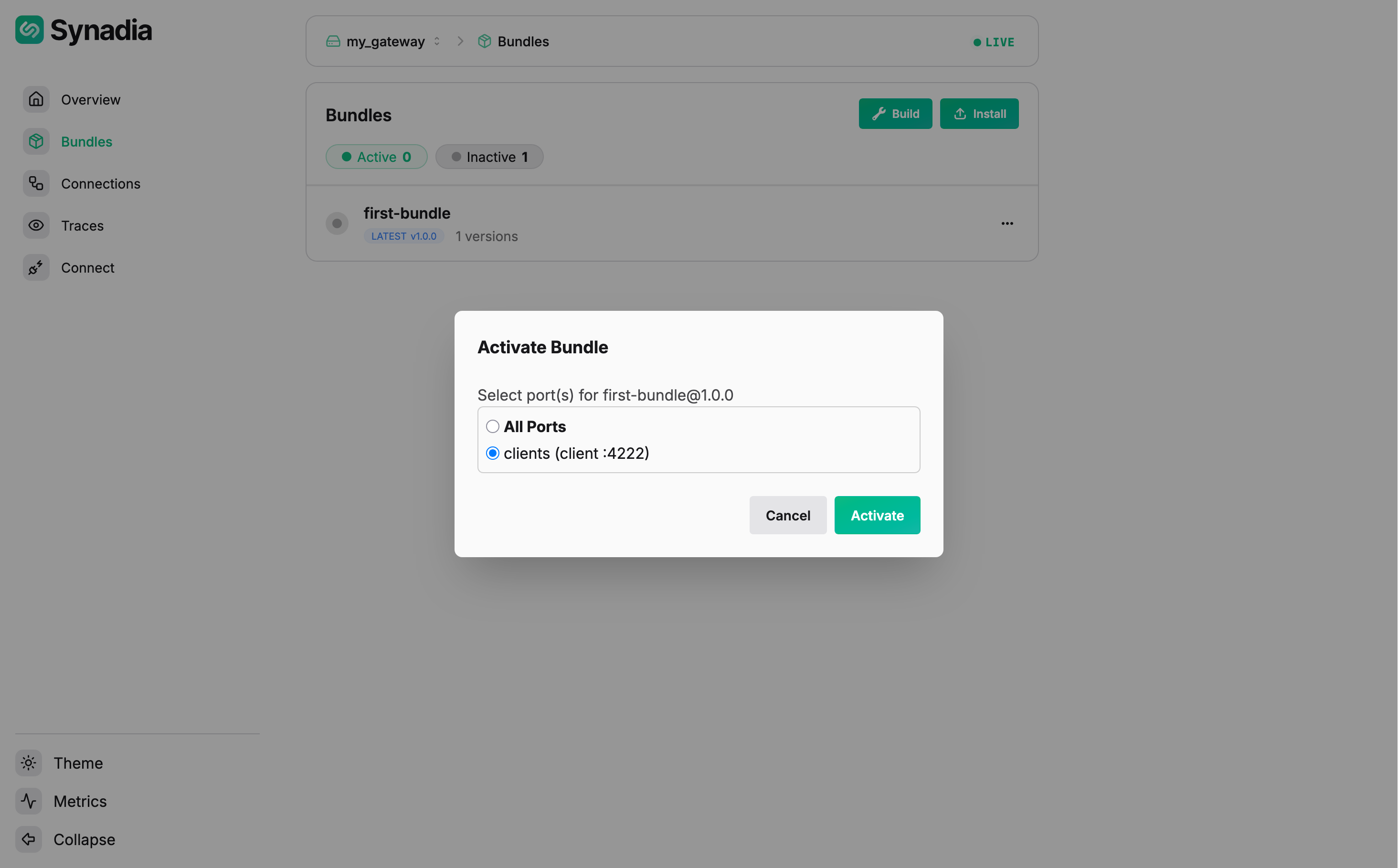
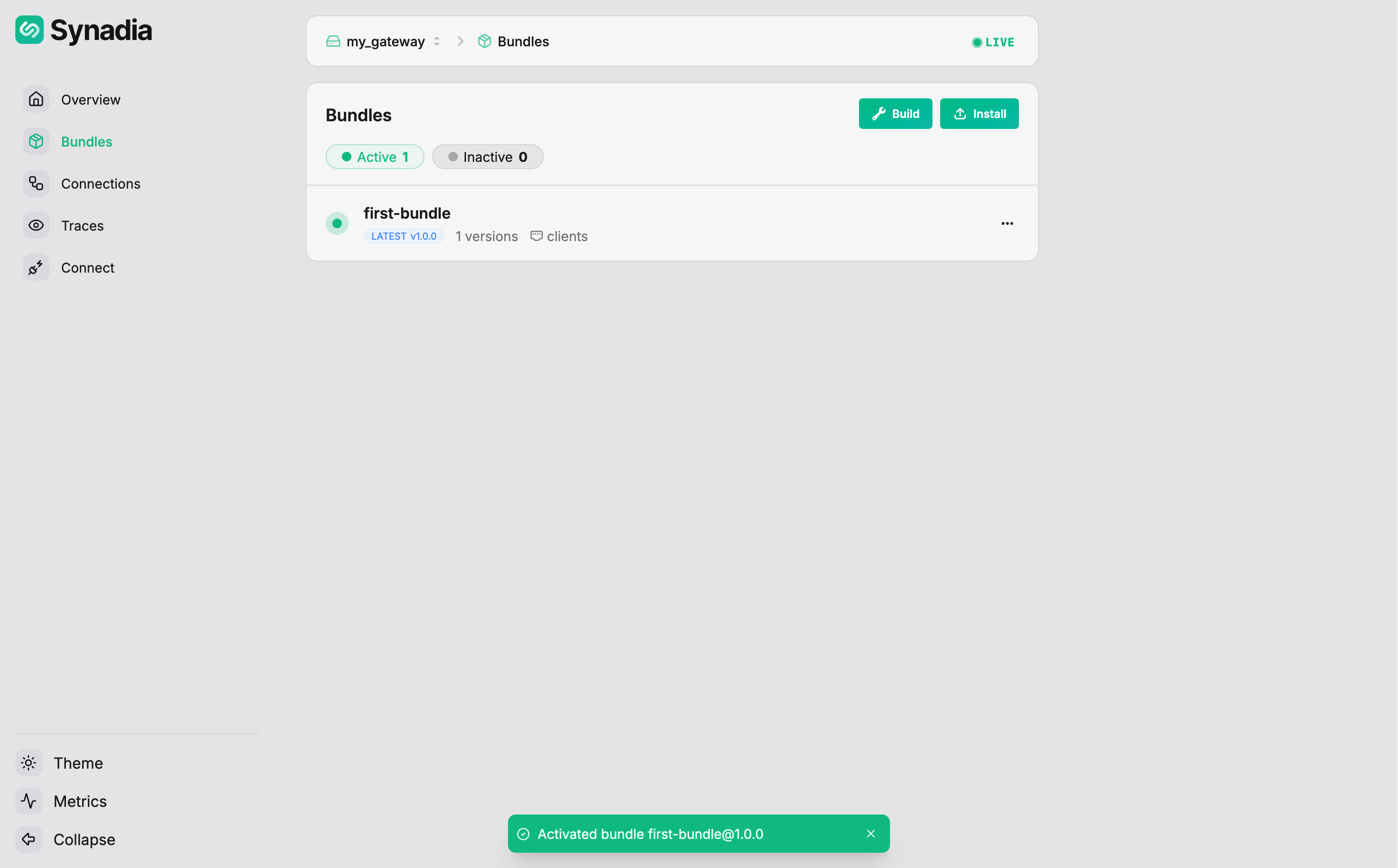
Select clients and click Activate. The bundle is now active:
Testing the bundle
With the deny payload rule active on the clients port, test it from the command line:
$ nats --context local pub logs.app "hello world"
11:07:13 Published 11 bytes to "logs.app"
Non-sensitive payload on logs.> — allowed.
$ nats --context local pub logs.app "user password is leaked"
11:07:56 Published 23 bytes to "logs.app"
11:07:56 >>> Disconnected due to: EOF, will attempt reconnect
Payload matches password on logs.> — denied, client disconnected.
$ nats --context local pub orders.new "my secret order"
11:08:07 Published 15 bytes to "orders.new"
Subject orders.new doesn't match logs.> — the rule doesn't apply, message allowed.
$ nats --context local pub logs.audit "contains api_key=abc123"
11:08:21 Published 23 bytes to "logs.audit"
11:08:21 >>> Disconnected due to: EOF, will attempt reconnect
Payload matches api_key on logs.audit (matches logs.>) — denied, client disconnected.