Workloads
Workloads run your services and functions next to NATS, deployed and scaled from Synadia Cloud. In Synadia Cloud they run on our globally deployed Nex nodes, so there is no infrastructure to set up: enable Workloads on an account and deploy.
Enable Workloads on an account
Workloads are enabled on a per account basis. This allows you to leverage the existing user access control to segregate workloads and resources and control who has access to deploy and manage them.
Account Settings
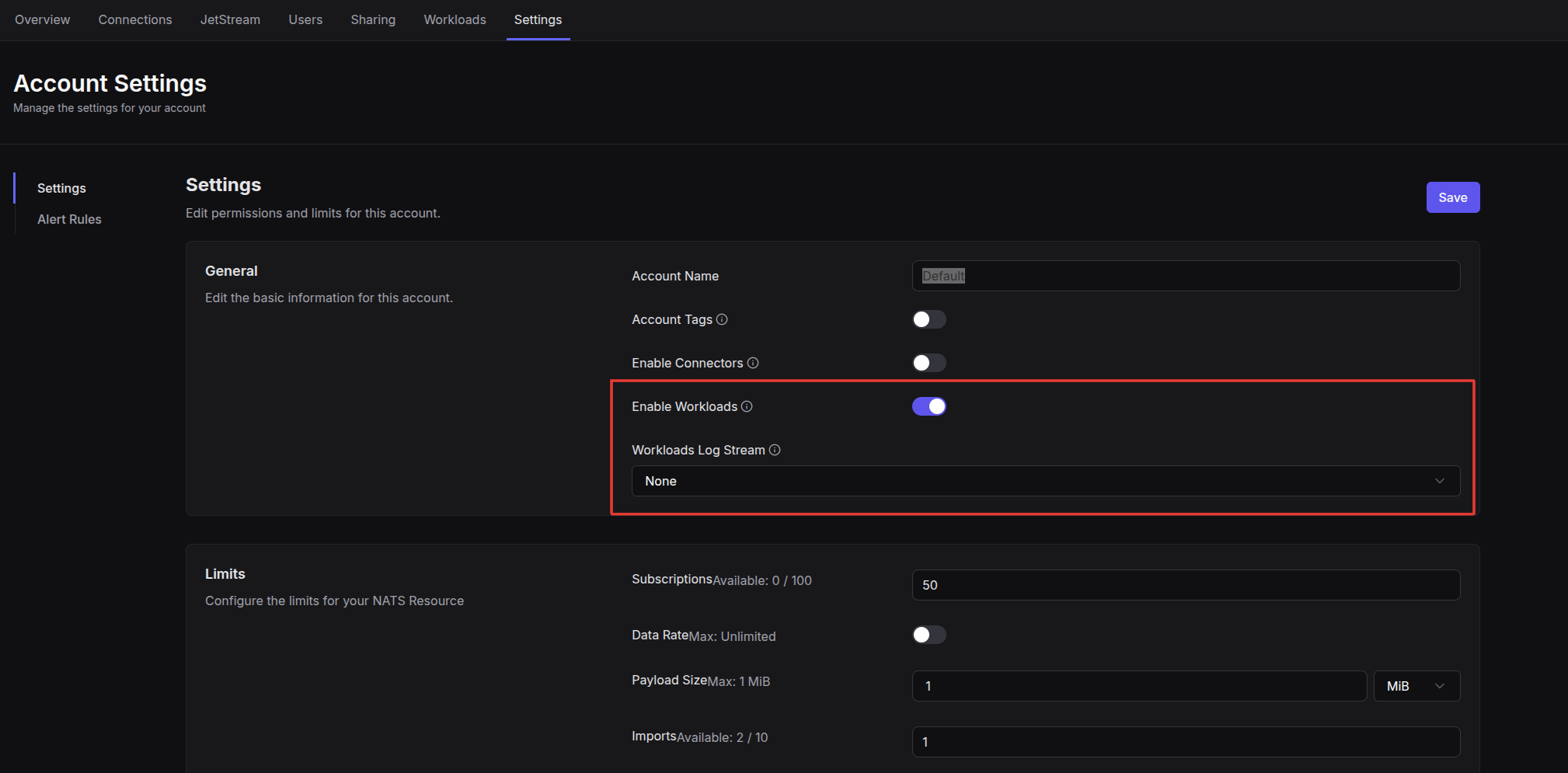
You enable workloads on the Account Setting settings page (Team -> System -> Account -> Settings):
Workload Logs
Output from your running workloads are broadcast to subjects inside your account. These are:
- STDOUT:
$NEX.logs.<Account ID>.*.stdout - STDERR:
$NEX.logs.<Account ID>.*.stderr
Since the logs are just published on NATS subjects, you can listen to them anytime by subscribing to those subjects. If you would like to capture those logs for review later, you can optionally set a Workload Log Stream and these subjects will be added to the existing stream.
Deploy and manage workloads
Workloads work the same way in Synadia Cloud as in Synadia Platform, so their guides live in the Platform docs: